
How to Search Branch County Court Records
The main online gateway is the statewide MiCOURT Case Search. The 15th Circuit Court tells the public directly that case information can now be searched in MiCOURT, and it links straight to that system. The MiCOURT Case Search tool covers civil, traffic, criminal, domestic and family, and probate cases across Michigan trial courts, including the courts seated in Coldwater. It works as a name or case number lookup rather than a full document library.
Before starting, gather a few details. The full name of a party or the case number will get the best result. A date of birth helps separate people who share a name. For a traffic matter, a driver's license number or a plate number can narrow the search. Keep in mind that the public view shows case summaries, not the scanned complaint or judgment.
- Open the MiCOURT Case Search page and accept the usage terms.
- Choose a search by case number if you have it, or switch to a participant name search.
- Enter the last name and first name, then add a date of birth or case type to trim the list.
- Filter by court, case status, or filing date to reach the right file faster.
- Open the matching case to review the parties, charges, judge, and hearing history.
The county courts index at branchcounty.gov/courts routes visitors to the 3-A District Court, the 15th Circuit Court, the Friend of the Court, and the Probate Court. Each of those pages points back toward the same search tools, so the index is a good backup when a case type is unclear.
A screenshot of the public entry point makes the layout easier to picture ahead of time. The public MiCOURT case search landing page is shown below.
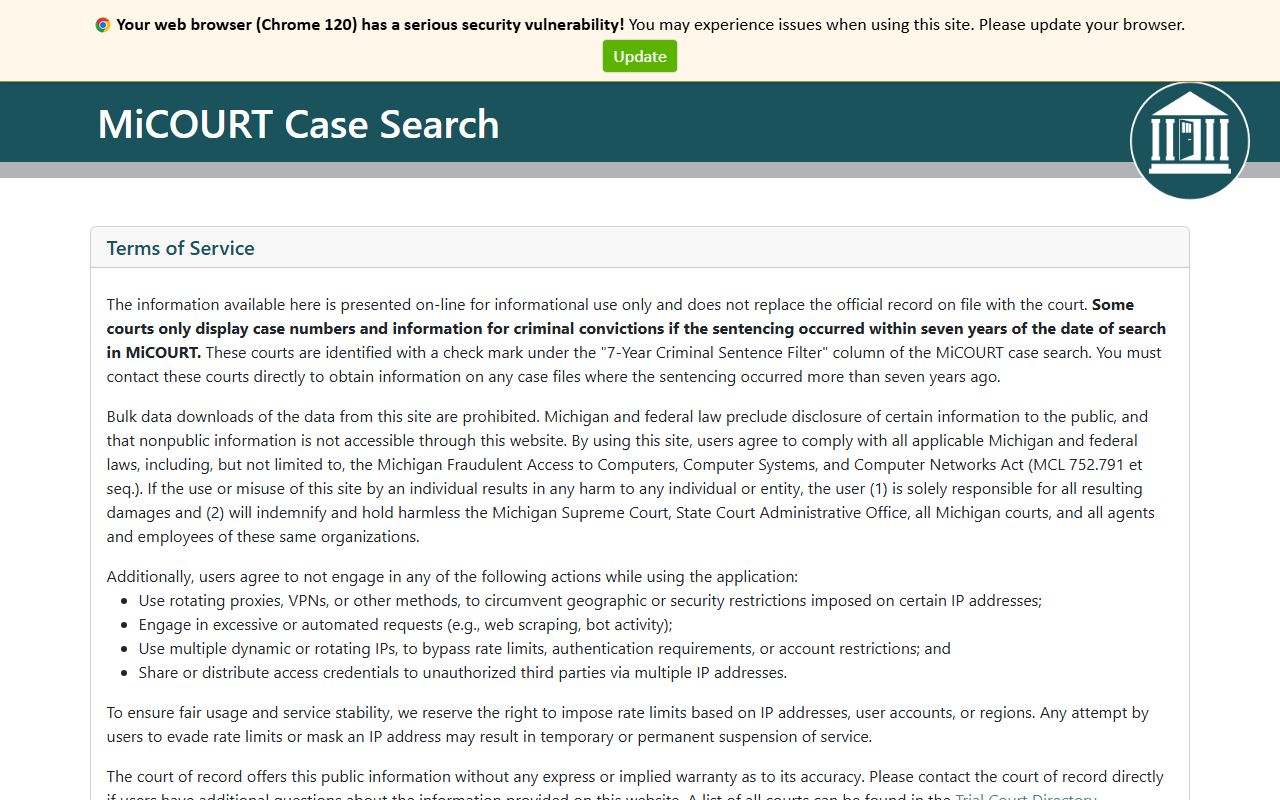
That landing page is the same one linked from the circuit court, so a Branch County court records search and a statewide search start from an identical screen.
Branch County Court Records Search Fields
The public MiCOURT screen looks simple, but the system behind it accepts far more than a name. The official API reference lists every filter the case search can apply. A case can be found by case number or by participant name, and the results can then be narrowed by case type, status, judge, dates, and even vehicle or license data when a case holds it. The table below maps the fields drawn from that reference.
| Field Label | Type | Required | Notes / Format |
|---|---|---|---|
| Case Number | Text | One path required | Direct lookup when the number is known |
| First Name | Text | One path required | Used with last name for a participant search |
| Last Name | Text | One path required | Primary field for a name search |
| Case Type | Dropdown | No | Civil, criminal, traffic, domestic or family, probate |
| Case Status | Dropdown | No | Open or closed case filter |
| Public Status | Dropdown | No | Public or suppressed; suppressed files stay hidden |
| Judge | Dropdown | No | Assigned judge or referee |
| Date of Birth | Date | No | Separates parties who share a name |
| Filing Date | Date | No | Also supports created and modified dates |
| Offense Date | Date | No | Applies to criminal and traffic matters |
| Disposition Date | Date | No | Date the case was resolved |
| Driver License Number and State | Text | No | Traffic and driving cases only |
| Vehicle Plate Number and State | Text | No | Traffic and driving cases only |
Either a case number or a name must be supplied. Everything else is a filter that trims the result list. The API detail comes from the MiCOURT case search reference, pictured here.
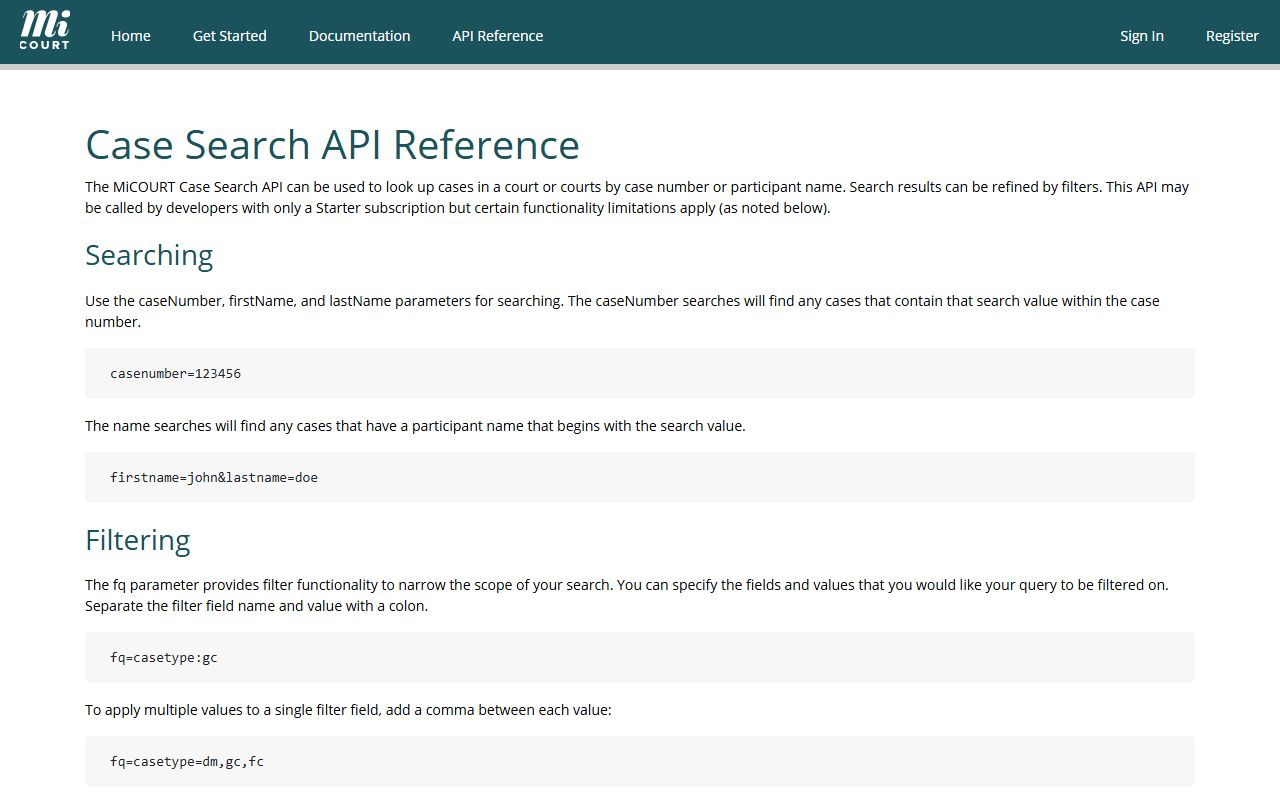
Most people never touch the raw parameters, yet they explain why a Branch County court records search can filter by offense date or plate number instead of a name alone.
Types of Branch County Court Records
The county does not keep one giant catch-all database. Records are split by court, and the right court depends on the case. The 3-A District Court handles most traffic violations, misdemeanors, small claims, landlord-tenant disputes, and civil cases up to $25,000. The 15th Circuit Court takes felonies, civil disputes above $25,000, divorce and other domestic matters, and appeals from the district court.
Probate work sits in its own court, while vital records and archival files run through the County Clerk. A person hunting for a single case may need two different courts, since a felony can start in district court and finish in circuit court.
- Civil case files, split between district court and circuit court by dollar amount.
- Criminal case files, from misdemeanors and felony preliminary exams to full felony trials.
- Traffic citations, civil infractions, and the county fine schedule.
- Domestic relations files such as divorce, paternity, and family support.
- Probate matters including estates, guardianships, conservatorships, and mental health cases.
- Marriage, birth, death, and naturalization records held in the clerk archive.
Hearing history and calendar entries for these files show up in the Branch County court dockets, which track case progress event by event.
What Branch County Court Records Show
A modern case record in Michigan surfaces much more than a docket number. When a case is opened, the search result and the underlying record model can show the parties, the assigned judge, the case status, and charge data. Criminal cases carry offense and disposition dates. Traffic matters carry plate and license fields. Juvenile files add a petition status. The inventory below reflects the fields documented in the state case model.
| Field | What It Shows |
|---|---|
| Case Number | The unique identifier tying every filing to one case |
| Party Names | The people or entities on each side of the matter |
| Case Type and Category | Whether the file is civil, criminal, traffic, domestic, or probate |
| Judge or Referee | The judicial officer assigned to the case |
| Case Status | Whether the case is open, closed, or otherwise flagged |
| Filing Date | When the case was created in the system |
| Next Hearing | The upcoming court date and time when scheduled |
| Charges or Violation | The counts or citation codes at issue |
| Offense and Disposition Dates | When the conduct occurred and when the case resolved |
| Amount Due or Paid | Outstanding fines, fees, or payments on the file |
| Case History | The running list of docket events and orders |
Clerk-held archival records show a leaner set of fields. Those usually list the record type, the names on the record, the event date, the filing county, and whether the record is open or restricted.
Public Access Framework for Branch County Court Records
Michigan starts from an open-records position. The Freedom of Information Act, MCL 15.231, states that people are entitled to full and complete information about the affairs of government and the official acts of public officials. That default shapes how the county treats most court files, even though FOIA is not the only rule in play.
Court records themselves follow the Michigan court rules and the state records-management standards. Those records-management standards limit what a court website can expose. Public web access is restricted to the case number, party names, and case history, and courts are barred from posting document images online. That single rule explains why a search shows a summary but not the scanned motion or judgment.
The standards document is worth a look before assuming a full file is a click away. The Michigan records-management page is shown here.
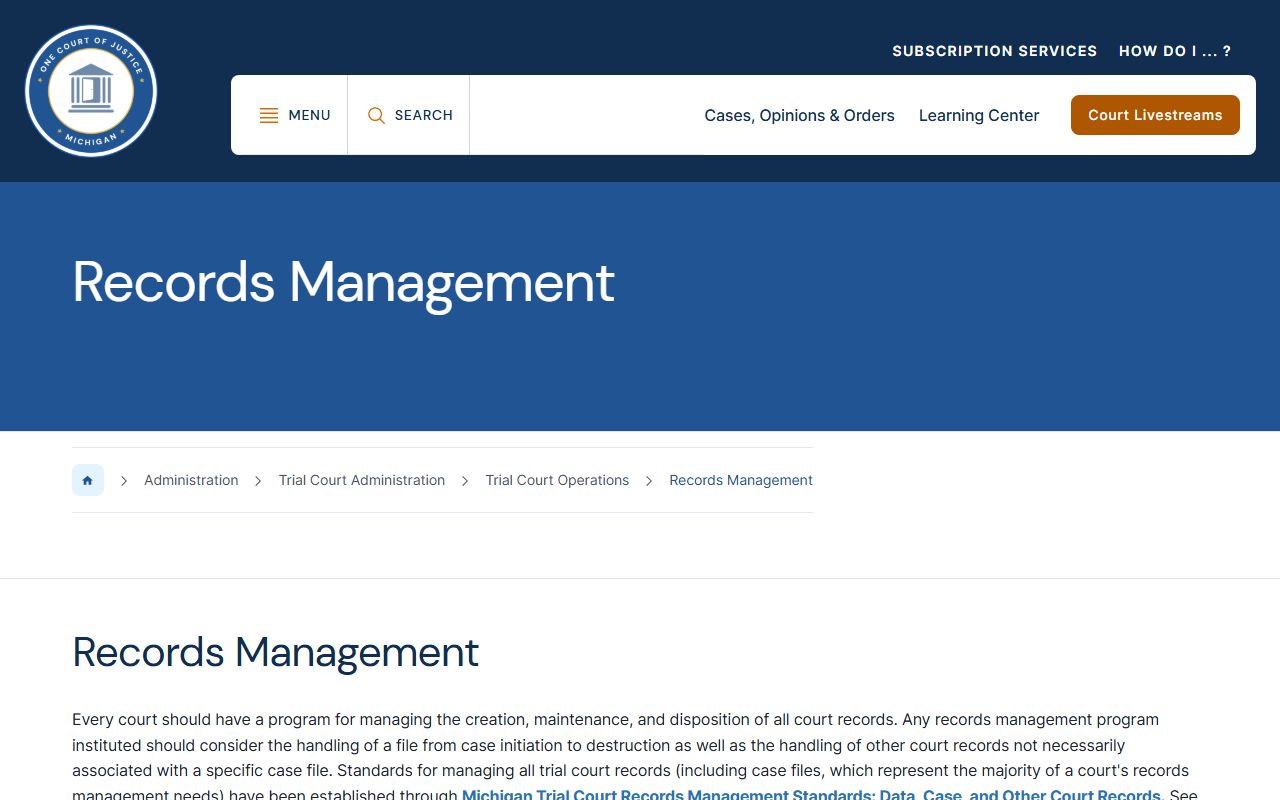
Because the online layer is capped, a full copy of a Branch County court record usually means a request to the County Clerk rather than a download.
Note: Public online access covers case data and history only, so a scanned pleading or exhibit almost always requires a clerk request or an in-person visit.
Records That Are Sealed or Confidential in Branch County
Some files never appear in a normal public search. Juvenile court records are the clearest example. Under MCL 712A.28, the court keeps records of every juvenile case, but those records are open only by court order. That means a family or delinquency matter is not an open case file, even when a hearing happens by video.
Set-aside convictions are also protected. The set-aside statute, MCL 780.621, limits who can reach a conviction once a court has set it aside. Access can narrow to the court, law enforcement, prosecutors, and the person involved. MiCOURT reinforces this with a public-status filter that carries a suppressed value, so a sealed case can exist in the system yet stay out of the results.
Birth records under 100 years old are confidential as well and go only to people named on the record with proper identification. To view a sealed or restricted court file, a person generally has to petition the court that holds it and show a legal basis for access. The County Clerk can explain which files fall into the restricted column before a request is mailed.
The FOIA statute that anchors the county's public-records posture is pictured below, drawn from the state legislature site.
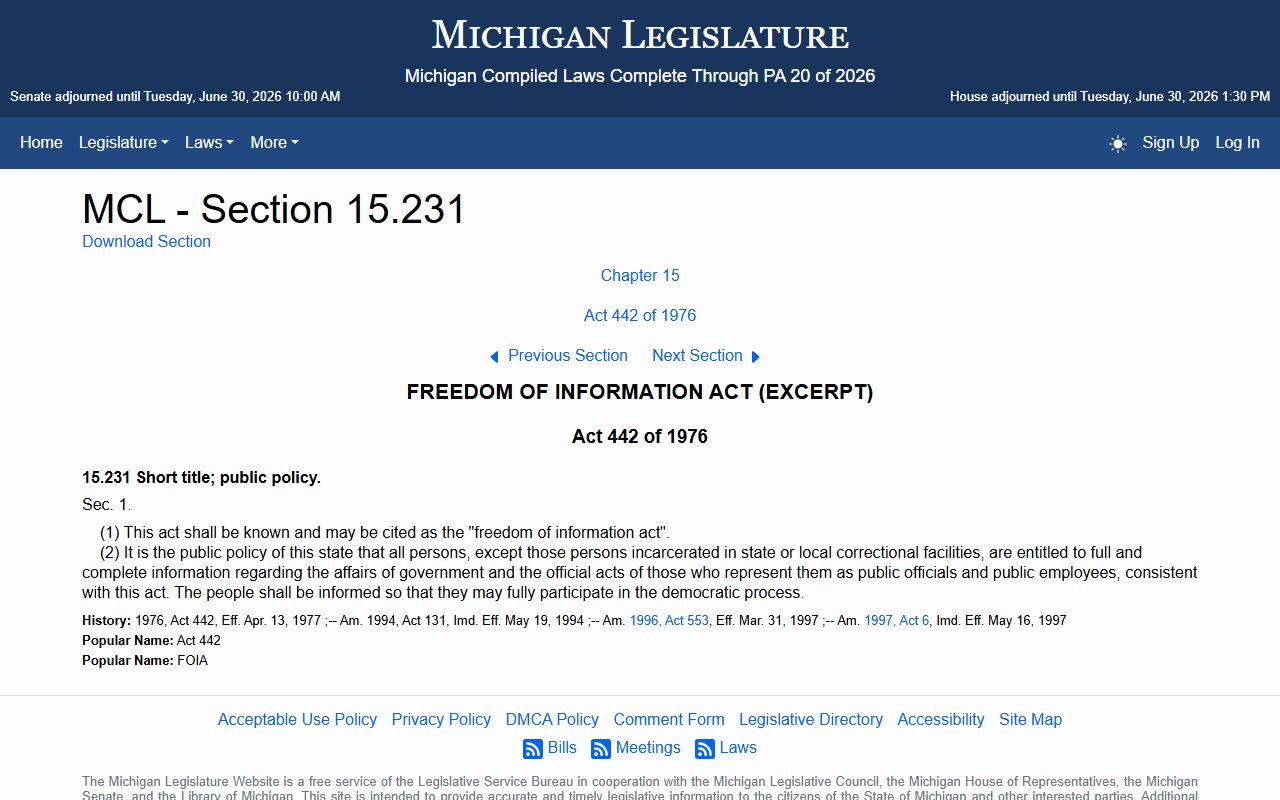
FOIA sets the open default, while the juvenile and set-aside statutes carve out the narrow slices that stay closed to the public.
Clerk Search and Copy Fees
When the online summary is not enough, the County Clerk runs a paper record search for a set fee. The clerk's court record searches page lays out the cost. A search covers one case type, civil or criminal, across a 10-year window. Extra years and copies carry their own charges, and the office takes only cash or a money order.
| Service | Fee |
|---|---|
| Record search, per case type, 10-year period | $10 |
| Each additional year searched | $1 |
| Photocopy, per page | $1 |
| Certified copy | $10 plus $1 per page |
Payment must be cash or a money order made out to Branch County Clerk. Personal checks are not accepted and will be returned. Mailed requests go to the clerk with a self-addressed stamped envelope and the completed record request form, so the office can return the result by mail.
Note: A certified copy carries the clerk's seal and is the version accepted for legal proceedings, while a plain photocopy is not.
In-Person Court Record Requests
The County Clerk sits on the first floor of the courthouse in Coldwater and serves as the clerk for the circuit court, keeping all circuit court files. Walk-in visitors can request searches, copies, and certified copies during office hours. Bringing the case number, the party names, and the exact case type speeds the work at the counter. The clerk also acts as the county's vital-records office, so marriage, birth, death, and naturalization requests route through the same window. Genealogy and early record research runs on limited morning and afternoon hours by arrangement with staff.
Branch County Clerk
Courthouse, 31 Division St., First Floor
Coldwater, MI 49036
517-279-4306
Monday to Friday, 8:00 AM to 4:45 PM
For a certified copy or a full case file, the clerk is the reliable stop after the online search. A deeper look at office duties, vital records, and request steps lives on the Branch County County Clerk page.